

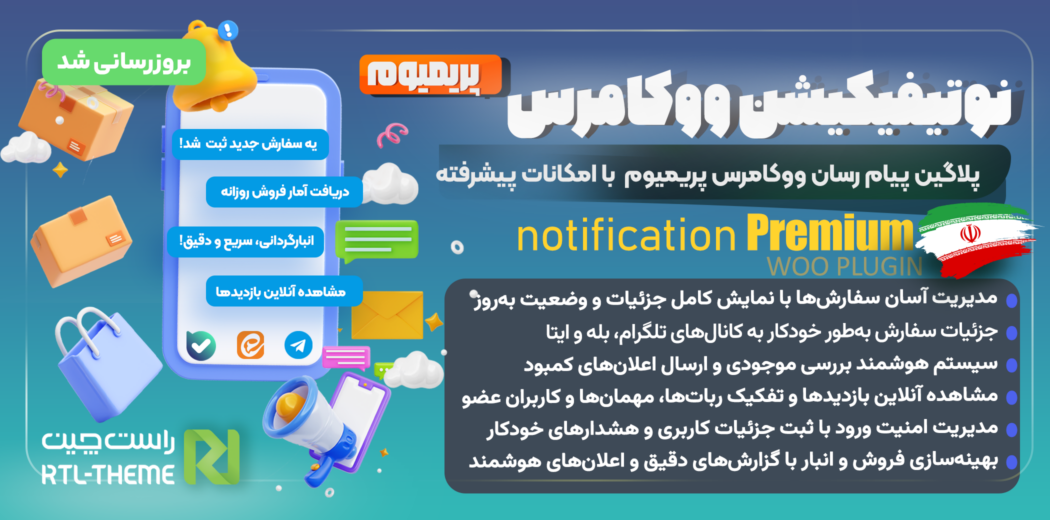
WooCommerce Notification Plugin | Smart WooCommerce Notifications | WooCommerce Alerts & Notices | WooCommerce Order Notifications | WordPress Notification Plugin | Order Placement Notifications in WordPress
WooCommerce Notification Premium Plugin Introduction (WooCommerce Integration with Eitaa, Bale, and Telegram)
Managing a website—especially an online store—can be time-consuming. You often need to monitor key areas such as inventory, sales, users, and other important data. WooCommerce Notification Premium connects your store to Telegram and the Bale messenger, allowing you to send various website alerts to these channels. This gives you faster access to new orders and important site updates.
With WooCommerce Notification, you can send different types of notifications such as online user tracking, new user registration reports, order management alerts, low-stock notifications, security monitoring, and reports on inventory and sales. With its wide range of features, this plugin helps you manage orders and sales more efficiently.
Receive Full Order Details After Every New Purchase
With every new order, all related details—order type (downloadable, virtual, or physical), shipping information, product stock status, warehouse inventory, and order status—are fully recorded and sent to you. Each order appears with its own dedicated status and complete details so you can manage everything in the simplest way possible.
WooCommerce Notification Premium Plugin Features
🔒 Why WooCommerce Notification Premium?
WooCommerce Notification Premium offers advanced features that cover a wide range of store-management needs and helps you keep tighter control over your store. Key features include:
1) 📢 Real-Time Notifications
-
Full activity coverage: From new orders to inventory changes, every important customer action is reported instantly.
-
Faster response: Real-time alerts help you respond quicker and provide a better customer experience.
2) 📝 Detailed Sales & Inventory Reports
-
Manual and automatic reports: Send inventory and sales reports manually or set automatic schedules.
-
Better decision-making: Receive comprehensive reports to optimize store performance.
3) 📈 Comprehensive Reporting & Deep Analytics
-
Dedicated dashboard: View and analyze login attempts and stock levels through a specialized dashboard.
-
Instant alerts: Receive immediate notifications for any important activity in your store.
4) 📈 User Activity Reports
-
Reports for newly registered users
-
Reports for online visitors/users
-
Reports for login attempts by users and anonymous visitors
5) 📱 Beautiful, Responsive UI
-
Modern design: Styled to match WordPress and WooCommerce interface standards
-
Responsive layout: Optimized for desktop, tablet, and mobile settings pages
6) 🔐 Advanced Login Security
-
Log all login attempts: Records username/email, IP address, operating system, and browser details
-
Detect failed logins: Identifies failed attempts for sensitive accounts such as admin, and triggers security actions after three failed tries
-
Admin alerts: Sends notifications to the site admin when unauthorized attempts are detected
🌟 Benefits of the WordPress Notification Plugin
Improved Store Security
-
Prevent unauthorized access by logging login attempts and executing security actions
-
Protect sensitive store and user data through advanced encryption and activity monitoring
Better Inventory Management
-
Track stock levels precisely and receive low-stock alerts
-
Prevent selling out-of-stock products by staying informed when inventory reaches zero
Stronger Sales Analytics
-
Get complete sales and inventory reports to optimize performance
-
Make smarter decisions based on accurate, analyzed data
Enhanced User Experience
-
High flexibility and easy customization to match your store’s needs
-
Simple, user-friendly interface makes store management easier and more enjoyable
More Effective Customer Communication
-
Custom, real-time notifications allow faster response and improved customer satisfaction
-
Better engagement helps increase customer retention and improves the overall shopping experience
🚀 How to Use WooCommerce Notification Premium
🔧 Install & Activate
-
Download WooCommerce Notification Premium from RTL-Theme.
-
Install it via your WordPress dashboard.
-
Activate the plugin.
⚙️ Initial Setup
-
Go to the plugin settings in WordPress dashboard.
-
Enter your security token and configure settings for login monitoring, inventory management, and reporting.
📈 Report Management
-
Use built-in forms to send sales/inventory reports manually or enable automatic sending.
-
View and analyze login attempts from the dashboard.
📞 Support & Updates
WooCommerce Notification Premium is regularly updated to stay compatible with the latest versions of WordPress and WooCommerce—and to deliver new features. Our support team is always ready to answer your questions and resolve issues quickly, so you can enjoy your store without stress.
🎯 Key Highlights
-
Simple and efficient: Easy settings and a user-friendly panel
-
High security: Advanced protection against threats
-
Professional support: A dedicated support team ready to help anytime
-
High flexibility: Extensive customization options for different store needs
Install WooCommerce Notification Premium today and upgrade your online store to a whole new level!
🔧 System Requirements
To ensure correct performance and full functionality, make sure your system meets the following requirements:
-
WordPress 5.2+
-
WooCommerce 8.5+ (WooCommerce must be installed and active; otherwise the plugin disables itself automatically)
-
PHP 7.2+
-
ionCube Loader and cURL enabled: Since the plugin core files are encoded, ionCube and cURL must be active on your hosting. Most shared hosts have them enabled by default. If not, contact your hosting support and request activation.

No comments yet.