

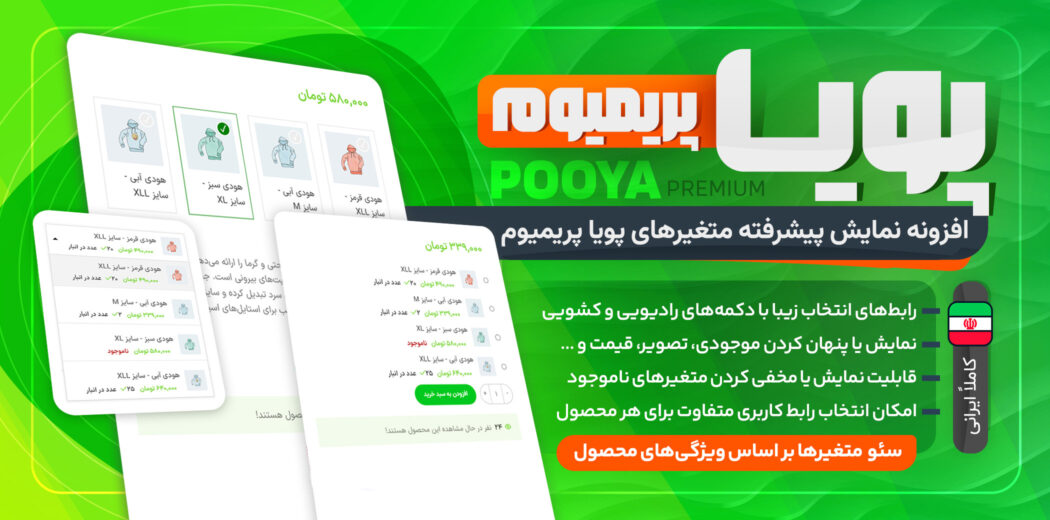
Advanced Dynamic Variations Display Premium | WooCommerce Variable Product Plugin | Advanced Variation Features | Dynamic Extra Fees
Advanced Dynamic Variations Display Premium Plugin Introduction
Advanced Dynamic Variations Display Premium is built for products with variations. It helps customers choose the exact variation they want more easily by presenting product attributes in a more advanced, visible, and user-friendly way. With this plugin, customers get a smoother shopping experience because they can select options quickly—without repetitive clicking. This speeds up decision-making and makes the purchase process easier.
This practical eCommerce plugin is easy to configure, compatible with many themes and plugins, and integrates seamlessly with WooCommerce. It replaces dropdown lists with radio buttons and shows all variation options and attributes at the same time.
Product Page Section in Advanced Dynamic Variations Display Premium
When a customer selects a variable product using radio buttons and adds it as a bundled item to the cart, the product’s interface is displayed inside Smart Bundle Plus. This means you can create a unique and attractive UI for each product.
Variable products with different selection options are shown uniquely inside a bundle. This improves the shopping experience and makes each product look clearer and more appealing.
Hide Out-of-Stock Variations
By enabling this option, out-of-stock variations are hidden from customers. Only available variations are shown, reducing confusion and helping customers decide faster.
Custom Name and Image for Product Variations
This plugin allows you to display shorter product titles and use custom images for each variation. With this feature, you can offer a better shopping experience and manage variable products more efficiently.
To access these options, simply go to the variable product page. There, you’ll find the variation radio-button section and apply your preferred settings. This tool helps you present every variation in a unique and attractive way.
Display Variation Details
In this section, you can customize the details of each variation based on your needs.
- This setting lets you choose whether details such as image, price, description, and stock should be shown for each variation.
- You can configure these settings individually for each product through the Radio Buttons tab in that product’s Product Data panel.
Plugin Requirements (Dynamic Premium)
- WordPress 5.2+ for compatibility and stable performance
- WooCommerce 8.5+ (WooCommerce must be installed and active; otherwise the plugin disables itself automatically)
- PHP 7.2+ for improved performance and newer features
- ionCube Loader and cURL enabled: Since the plugin core files are encoded, ionCube and cURL must be active on your hosting. Most shared hosts enable them by default. If not, contact your host support and request activation.
Overall, this plugin simplifies the variation selection process and helps WooCommerce store owners deliver a better user experience and optimize product pages. Replacing dropdowns with radio buttons, allowing custom display of information and images, and being SEO-friendly makes it easier for customers to find and select the exact variation they want—improving the shopping experience and ultimately increasing conversion rates.